Category Setting
1. Category Setting
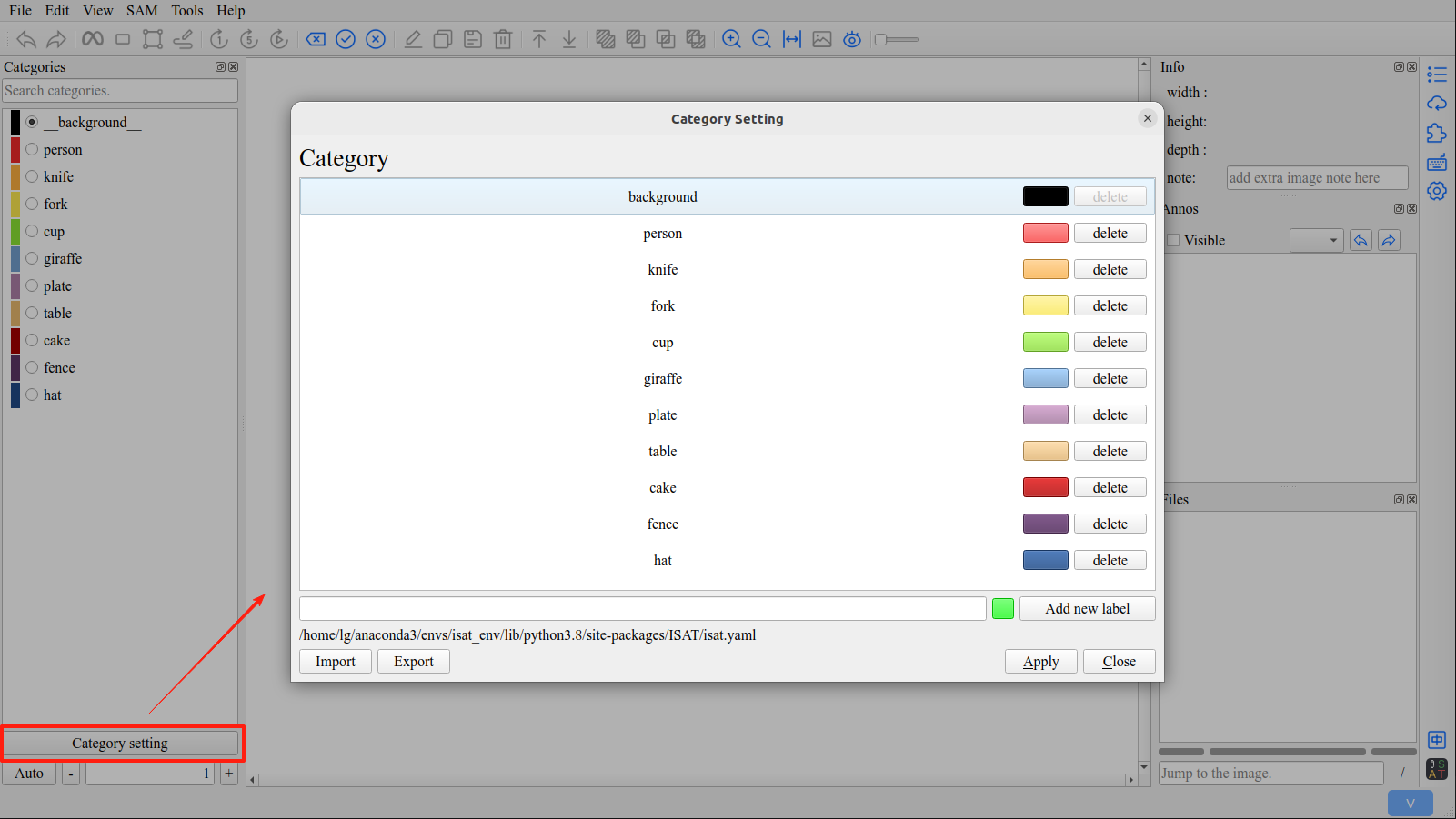
In ISAT, you can customize category names and their display colors.
Click the Category settings button to open the category settings interface.
Tip
The background category is not modifiable in ISAT.
2. Select Category
Before starting the annotation, you need to select a category.
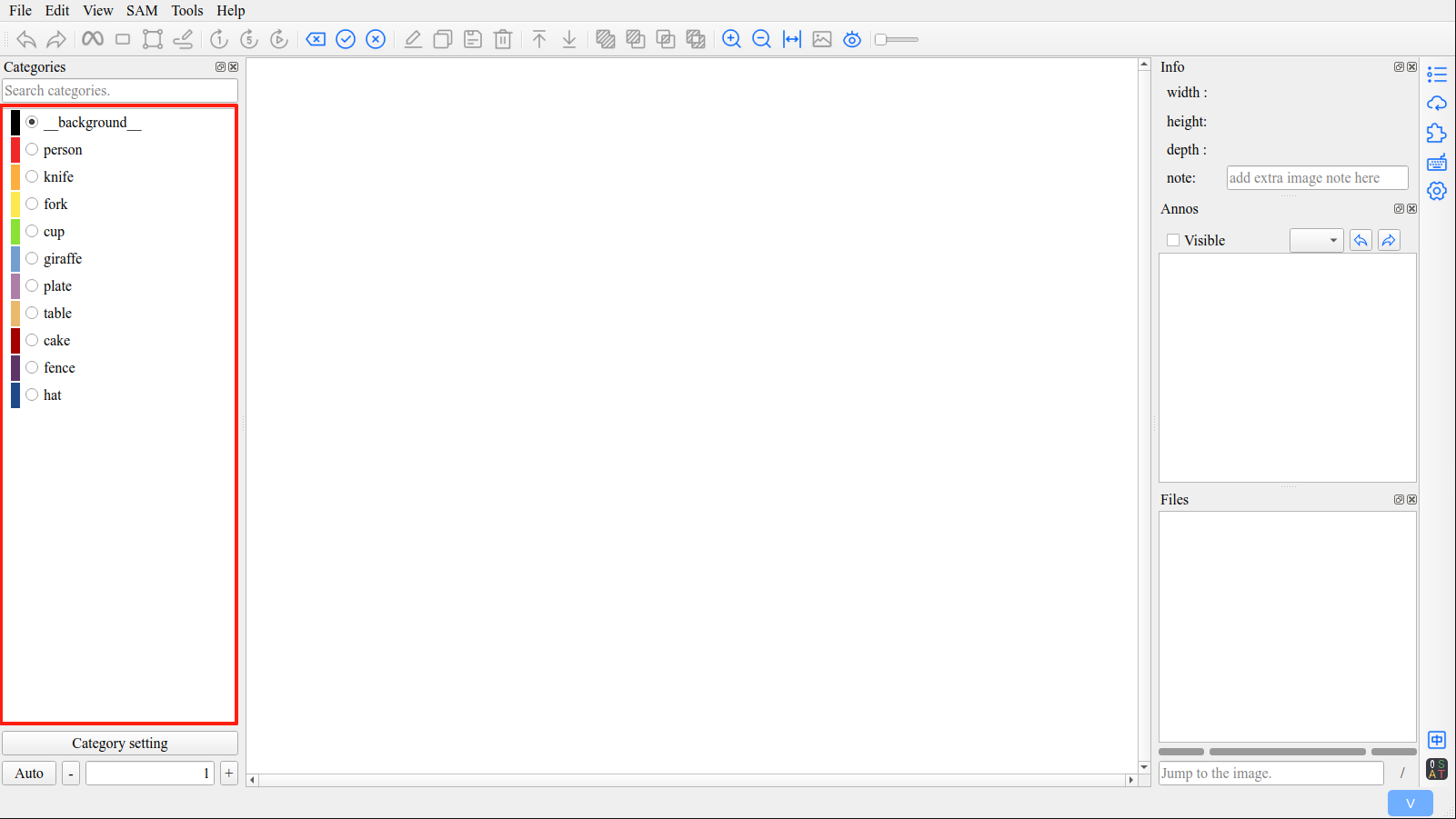
If the targets to be annotated belong to the same category, it can save a lot of work.
2.1 Category Selection Shortcut
Numbers [1 - 9] are category selection shortcut keys, allowing you to quickly select the category.
2.2 Quickly Locate the Category
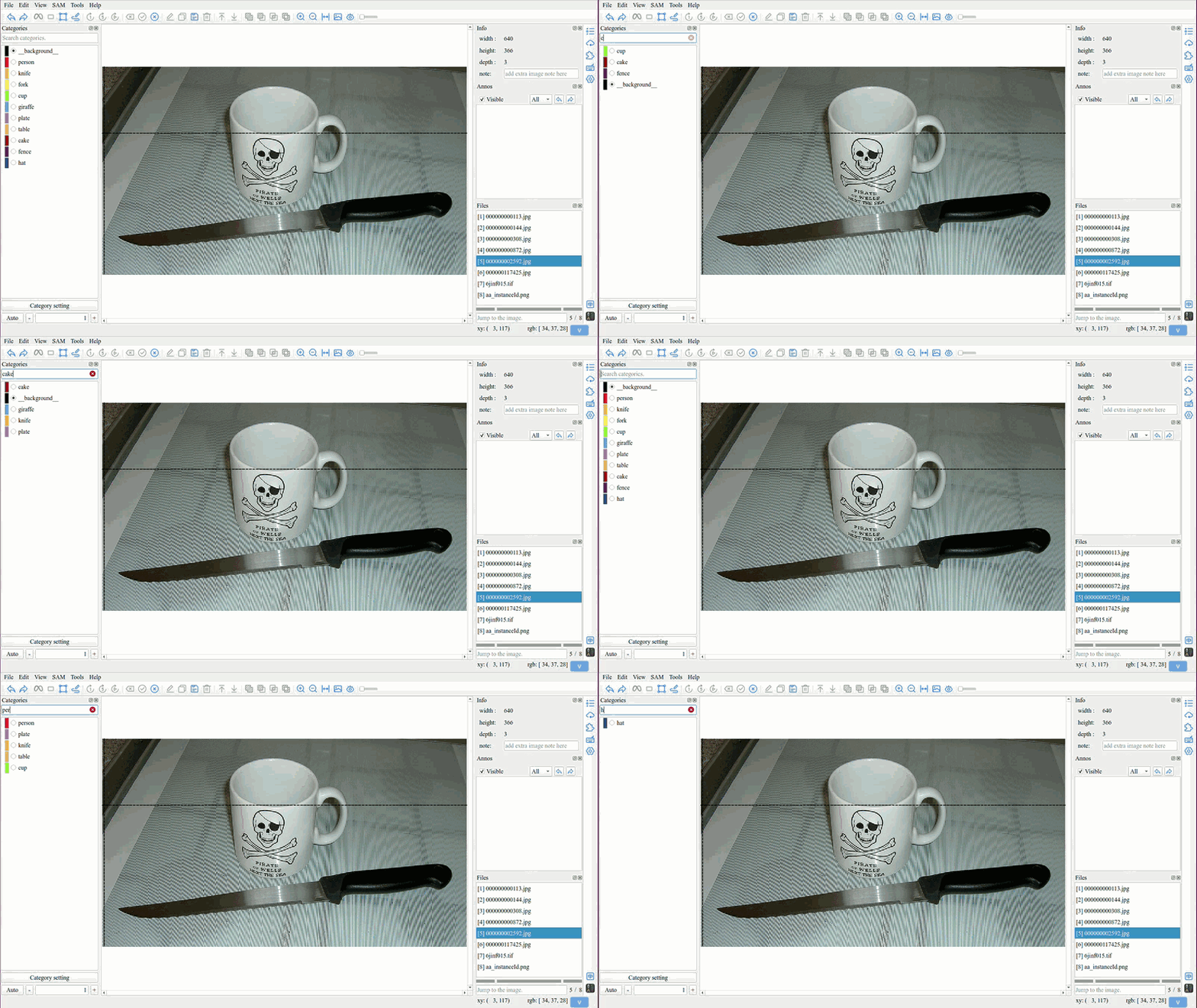
ISAT uses a fuzzy matching algorithm to locate the desired category from a large number of categories.
Tip
The shortcuts from 1 to 9 also apply to the filtered categories.